Allow AI sharing.
See what OpenAI receives. Give permission before you use AI features.
 My Voice Agents
Use your voice to create notes, diagrams and lists.
Explore the appAndroid available.
iPhone coming soon.

“Help me plan my café.”
Ask your agent to create a diagram. Use your voice to change it.

Create a draft. Edit the text or ask your agent to change it.

Create a list. Change an item or mark it as complete.

App screens with example content.
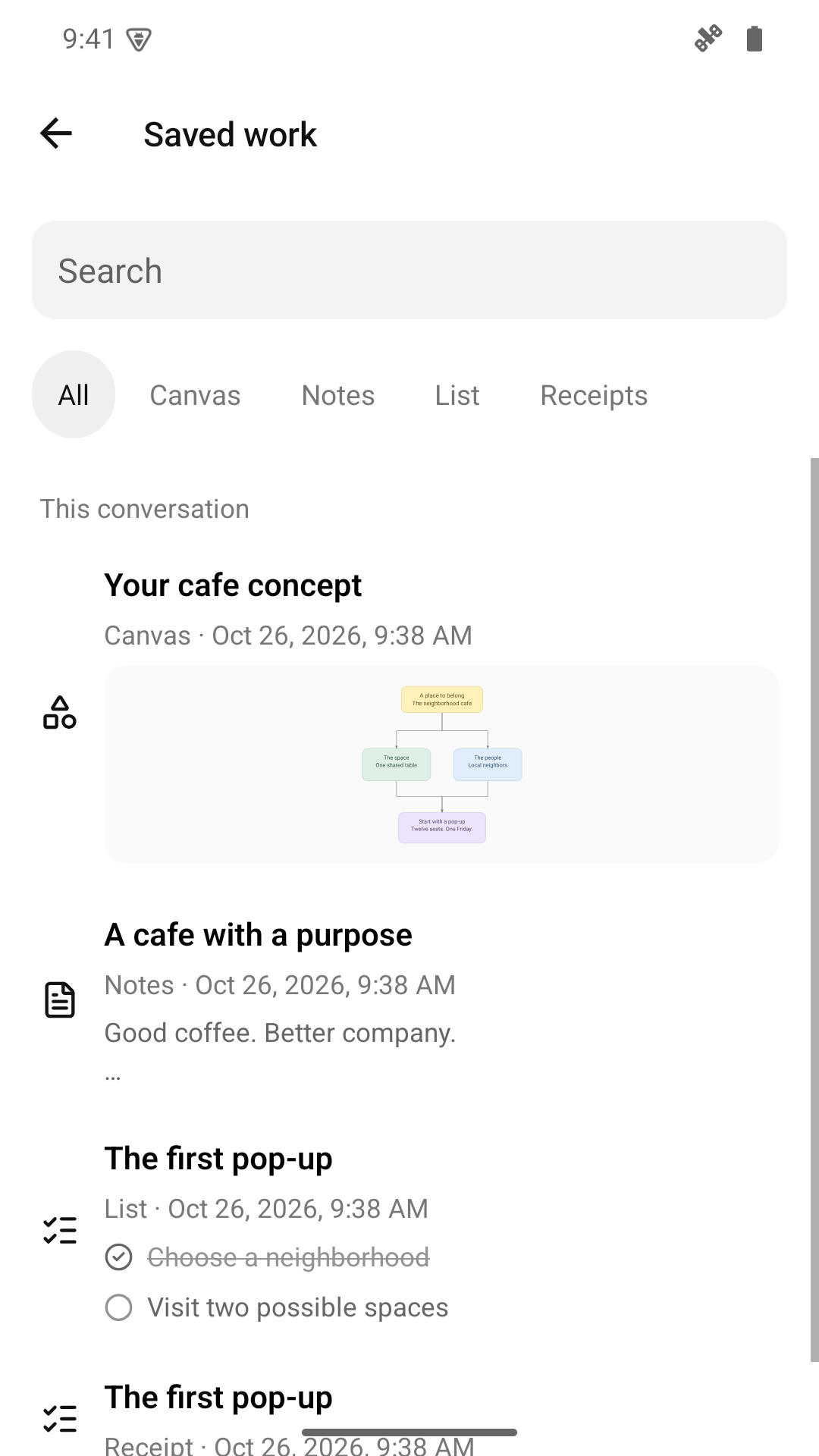
Find a note, diagram or list. Open it to continue your work.
Your work stays on your device.
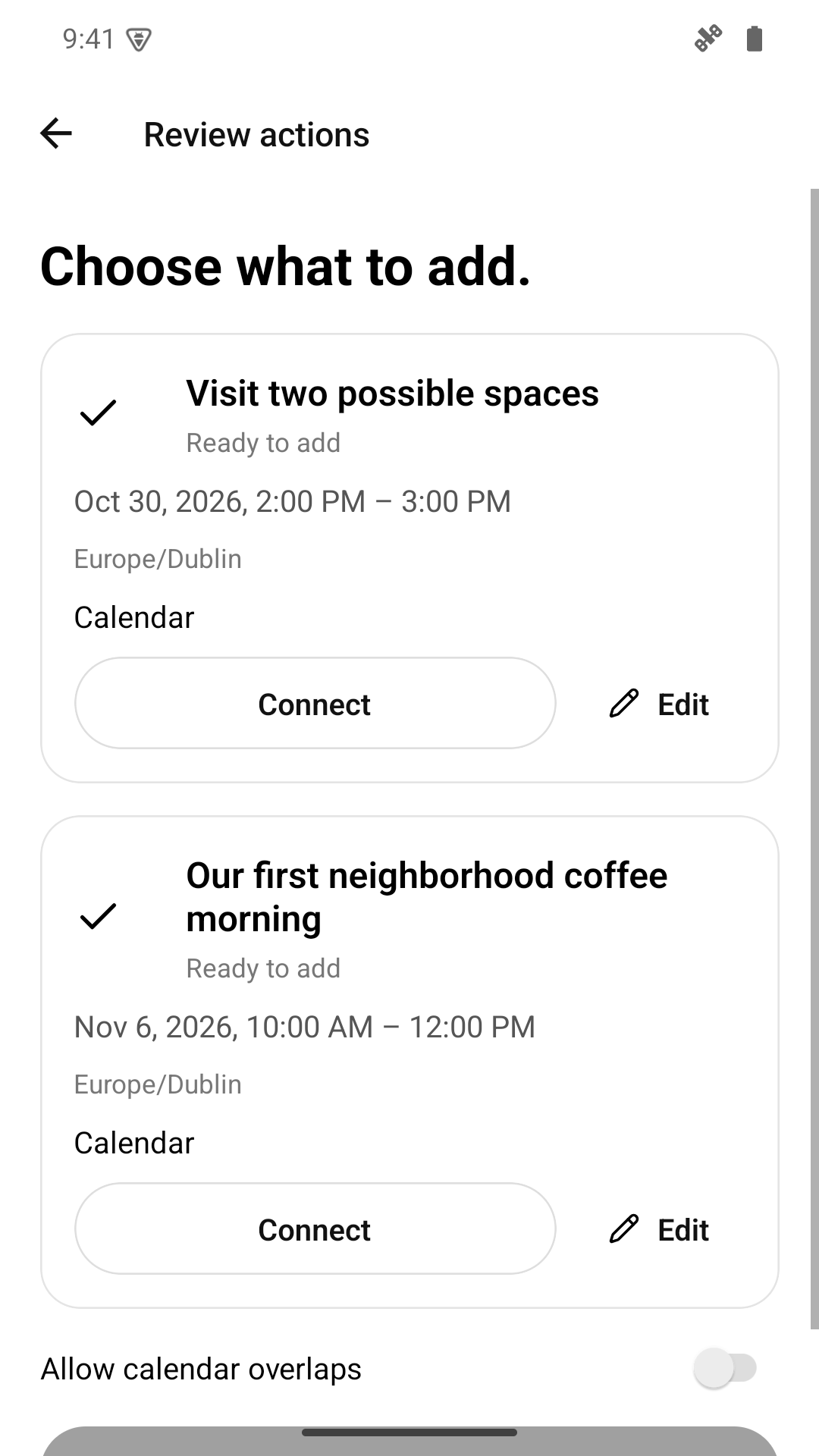
Check the date and details. Approve the event before the app adds it to your calendar.
Apple Reminders is also available on iPhone.
See what OpenAI receives. Give permission before you use AI features.
View, edit or delete memories. Turn memory off to stop new memories and exclude saved memories from future requests.
Turn it off in Settings. This stops active AI work and new requests. Previously sent data can remain with providers.
The Free plan includes 2 voice minutes and 20 chat messages in total. Paid plans provide more use. See Support for details.
No. The app stores your work on this device. AI features send relevant content to OpenAI with your permission.
The Android app is available on Google Play. The latest update is under review. These screens show the updated app. The iPhone app is coming soon.
Free to try. No account needed.
For adults aged 18 and over.